Last updated: November 01, 2026
Quick answer: the core new hire paperwork checklist for employers usually starts with 5 key items: Form I-9, Form W-4, the state withholding form if applicable, direct deposit authorization, and an employee handbook acknowledgment. If that packet is incomplete, payroll can stall, the personnel file can get messy, and the employer can miss a required form like the I-9 or state withholding form.
Key takeaways
- Start with the employment eligibility form, tax withholding forms, and direct deposit authorization before anything else.
- Use a standard packet so every hire completes the same forms in the same order.
- Keep policy acknowledgments separate from tax and identity records so the file stays easier to audit.
- Put the completion deadline on the packet itself; 24 to 72 hours after the offer is accepted is common for the employee-facing pieces.
- Keep copies of the forms the company is required to retain, but do not throw everything into one folder without a filing rule.
What belongs in a new hire paperwork checklist?
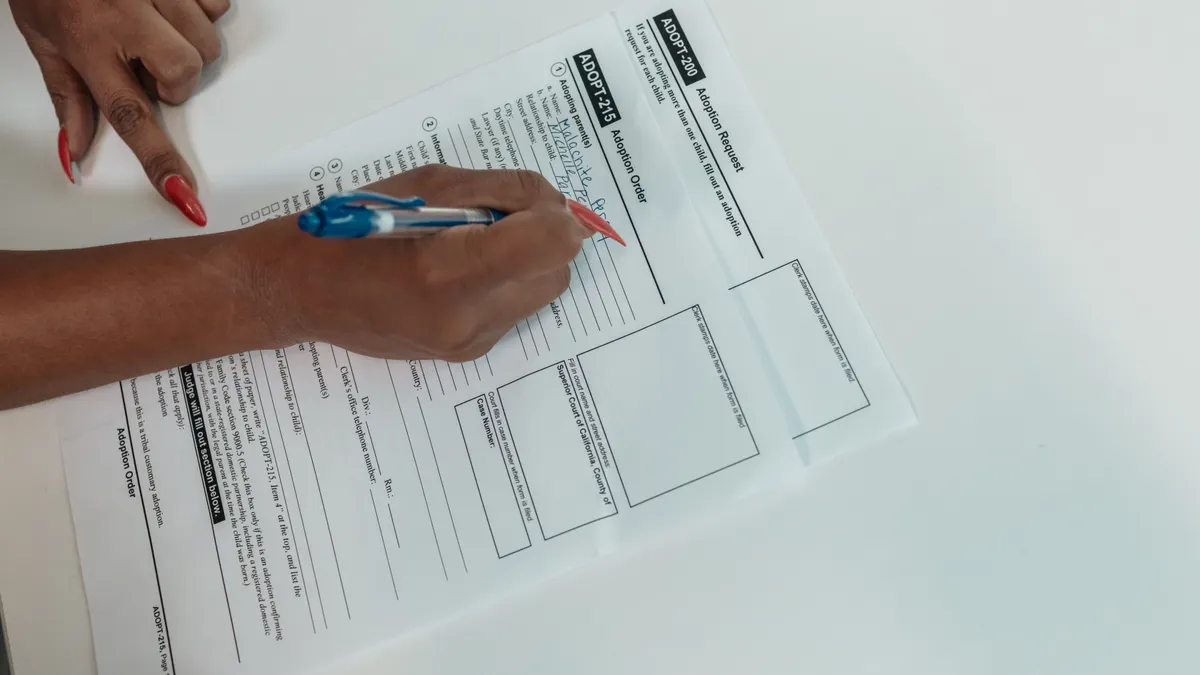
A practical new hire paperwork checklist covers five groups of documents: identity and work authorization, tax forms, pay setup, policy acknowledgments, and any state-specific notices that apply to the work location. For most employers, that means Form I-9, Form W-4, the state withholding form, direct deposit authorization, and an employee handbook acknowledgment.
That is the core packet. Everything else belongs only if the job, state, or pay setup requires it. A generic “onboarding form” pile causes problems because it mixes records with very different purposes. An I-9 is about work authorization. A W-4 tells payroll how to calculate federal withholding. A handbook acknowledgment shows the person received policy information. A direct deposit form gives the bank account details needed to pay wages. Those are not interchangeable, and employers should treat them separately; if there is any doubt, consult HR, payroll, or legal counsel. The U.S. Citizenship and Immigration Services I-9 page and instructions are the right starting point for the employment eligibility form.
A clean checklist usually works best in this order:
- Identity and eligibility forms first. Collect Form I-9 as soon as the person starts completing paperwork, and make sure the identity documents fit the lists on the form. The result should be a signed, dated record that supports work authorization.
- Tax forms next. Gather Form W-4 and the state withholding form, if the state uses one. Payroll can then set the correct withholding method before the first check runs.
- Pay setup after that. Have the employee complete direct deposit authorization, including routing and account numbers, so the first or second paycheck can go to the right account.
- Policy acknowledgments last in the packet. Use the employee handbook acknowledgment and any other required policy sign-offs. The result is proof the employee received the documents, even if the policies live elsewhere.
- File and separate. Put compliance records in the personnel file system you use for the rest of your hiring records, but do not mix everything into one undifferentiated PDF.
The mistake many employers make is treating the checklist as a form dump, though the better approach depends on the company’s process and should be reviewed with payroll or HR. That slows down payroll and makes it harder to answer a future audit question. A better checklist shows what gets completed, who reviews it, where it gets stored, and which items must be finished before the first day of work.
Which forms does a new employee need to complete first?
The first forms a new employee should complete are Form I-9, Form W-4, the state withholding form, and direct deposit authorization. Those four items control whether the person can work, how taxes are withheld, and how wages are paid, so they should be at the top of the packet.
A common way to run the sequence is to give the employee a 4-part packet before or on the first day:
- Form I-9 for identity and employment eligibility
- Form W-4 for federal tax withholding
- State withholding form if the state requires one
- Direct deposit authorization for payroll setup
The employee handbook acknowledgment can follow in the same packet or in a separate section. It does not usually block payroll the way the tax and banking forms do, but it still belongs in the onboarding file.
The order matters because it reduces rework. If payroll sets up direct deposit before the tax forms are signed, the employee may still get paid, but the withholdings can be wrong. If the I-9 is delayed, the company may have a compliance problem before the person even finishes the first week.
The better checklist also tells the person exactly what to bring. For the I-9, that means acceptable documents from the form’s Lists A, B, and C. For direct deposit, it means a voided check or bank account details, depending on how the payroll system collects the data. For tax forms, it means the employee fills out the current version of the form, not an old PDF from last year’s folder.
The first forms should also be time-stamped in the process. A practical internal rule is to review the packet within 24 hours of receipt, then route any missing items back to the employee before payday. That simple deadline keeps the file from sitting incomplete for a week and then showing up as a payroll emergency.
How do I handle Form I-9 and work authorization correctly?
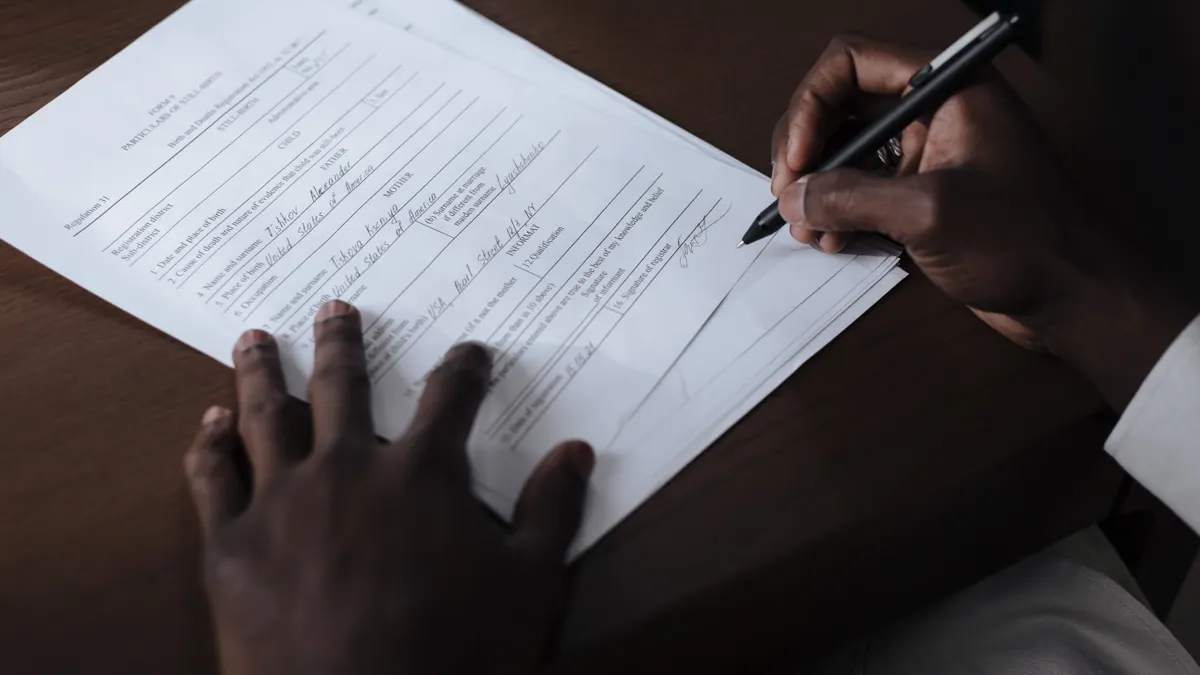
Form I-9 should be completed on time, reviewed carefully, and stored where it can be found fast. The form is the backbone of the new hire paperwork checklist because it documents identity and work authorization, and it is the one employers most often need to produce quickly.
A solid I-9 process looks like this:
- Give the form immediately when onboarding starts. The employee completes Section 1 no later than the first day of work for pay.
- Review the identity documents in person or through the approved remote process. The reviewer checks the originals or the allowed remote alternative, then records the document information in Section 2.
- Sign Section 2 within the required time frame. The employer representative completes the review promptly after the employee starts, using the dates and document details from the documents presented.
- Store the form separately from general personnel paperwork. Many employers keep I-9s in a dedicated file or system so they can retrieve them without exposing unrelated employee information.
This is one place where shortcuts create real risk. If the name on the form does not match the documents, or if dates are missing, the record can become defective. The fix is not to “wait and see.” The fix is to correct the form according to the instructions and keep the evidence trail clean.
The I-9 also should not be buried inside the handbook packet. It is a distinct compliance record. Mixing it with general acknowledgments makes later retrieval harder, especially when a government audit asks for only the I-9 file.
For current instructions and acceptable document combinations, the U.S. Citizenship and Immigration Services I-9 page and instructions are the right starting point. The exact page changes from time to time, so the checklist should point the reviewer to the current form version rather than an old copy in a shared drive.
What tax and payroll forms should be in the packet?
The payroll section should include Form W-4, the state withholding form, and direct deposit authorization. Those three forms tell payroll how to calculate withholding and where to send wages, which is why they belong together in the same packet.
Form W-4 is the federal piece. The employee uses it to give payroll the information needed for federal income tax withholding. If the person has multiple jobs, changes filing status, or claims credits, the form can affect each paycheck. That makes the W-4 more than a signature page; it is a live payroll setting. The IRS explains the current W-4 and withholding rules on its Form W-4 page.
The state withholding form matters when the state uses its own withholding certificate. Some states use a separate form, some use a state-specific version of the federal logic, and some have no separate form. The checklist should name the state form by title or control number so the payroll team knows exactly what to request.
Direct deposit authorization should ask for the bank name, routing number, account number, account type, and the employee’s signature or electronic consent. If the payroll system supports split deposit, the form should show the amount or percentage split clearly. A messy authorization creates avoidable payment errors. One transposed digit can send the first payroll deposit to the wrong account or delay it entirely.
A simple comparison helps keep the packet organized:
| Form | Purpose | Typical timing | Storage note |
|---|---|---|---|
| Form I-9 | Confirms identity and work authorization | Day 1 and within required deadline | Keep separate from general personnel records |
| Form W-4 | Sets federal withholding | Before first payroll run | Keep in payroll/personnel file |
| State withholding form | Sets state tax withholding | Before first payroll run | Keep with payroll tax forms |
| Direct deposit authorization | Sets wage payment account | Before first payroll run | Keep with payroll records |
| Handbook acknowledgment | Confirms receipt of policies | At onboarding | Keep with policy acknowledgments |
If the employee returns the tax forms on Tuesday and the bank info on Friday, the first payroll run may still be delayed in setup. A single completion date can reduce that split, depending on the employer’s payroll process.
The common trade-off here is speed versus precision. A rushed packet gets finished faster, but it creates follow-up work when payroll has to chase missing signatures or unreadable account numbers. A better checklist uses large form labels, one document per page when possible, and a final review before the packet is marked complete.
How should policy acknowledgments and handbook sign-offs be filed?
Policy acknowledgments should be filed as proof of receipt, not as a substitute for the policy itself. The employee handbook acknowledgment, code of conduct acknowledgment, and similar sign-offs belong in the onboarding file because they show the employee received the rules in force when they started.
That distinction matters. An acknowledgment usually says the employee got the document, understood where to find it, or agreed to follow it. It does not prove the employee read every page. It also does not replace the handbook. The handbook itself, or the current version number of it, should live in the employer’s policy system or document repository.
A useful filing method is to give each acknowledgment its own line item in the checklist:
- Employee handbook acknowledgment
- Anti-harassment policy acknowledgment, if used
- Safety policy acknowledgment, if used
- Equipment or property return acknowledgment, if used
The checklist should also record the version date of the policy packet. That way, if a later dispute comes up, the employer can show which version the employee acknowledged. If the handbook was revised on a specific date, the acknowledgment should match that version, not a later revision.
A common mistake is using a single signature page for everything. That looks efficient, but it becomes hard to tell what the employee actually acknowledged. If one policy changes midyear, the old catch-all signature page can become ambiguous. Separate acknowledgments are slower to collect, but they are easier to defend and easier to audit.
This section is also where employers should be careful not to overload the packet. If the handbook itself is 40 pages, do not staple it to every form. Use a clear acknowledgment and tell the employee where the full handbook lives, in a portal or shared location that is available on day 1. For compliance records, the employer should also keep the signed acknowledgment and the policy version together in the file.
For a broader policy framework, this page supports the Hiring and Employment Classification hub.
How do I build a filing system that is actually usable?
A usable filing system keeps new hire paperwork in at least two places: one file for active personnel records and one file or folder for forms that need special handling, such as I-9s. That simple split is usually better than one giant folder.
A workable system uses the same labels every time. For example:
- Personnel file: W-4, state withholding form, direct deposit authorization, handbook acknowledgment, and general onboarding forms
- I-9 file: only the employment eligibility form and related copies if your process uses them
- Medical or accommodation file, if any: kept separate from the general personnel file
The goal is speed and privacy. If a payroll question comes up, the payroll team should be able to find the tax forms in under a minute. If an auditor asks for the I-9, the reviewer should not have to sift through policy acknowledgments and emergency contacts first.
A good checklist also includes the retention rule field. It does not need to explain every legal deadline on the form, but it should tell the employer which records are kept, where they are stored, and who owns the file. That avoids the usual scramble when someone leaves and HR asks, “Who has the original direct deposit form?” The retention rule is especially useful when documents are electronic, because a clear file map is often the difference between a quick retrieval and a long search.
Paper or electronic storage can both work, but whichever system the employer uses should be consistent from hire to hire. Paper in one cabinet, PDFs in three inboxes, and one signed policy in a manager’s desktop folder is not a filing system. It is a future search problem.
A final practical habit helps a lot: make one person responsible for the completeness check. When everyone owns the file, no one owns the file. The checklist should end with a simple yes/no review so the packet is not marked complete too early.
What forms does a new employee need to complete?
A new employee usually needs Form I-9, Form W-4, any required state withholding form, direct deposit authorization, and an employee handbook acknowledgment. The exact packet can vary by state and role, but those five items cover the most common onboarding basics. Payroll and HR should also add any job-specific forms the company uses.
What onboarding paperwork should be kept in the personnel file?
The personnel file should keep the W-4, state withholding form, direct deposit authorization, handbook acknowledgment, and most general onboarding acknowledgments. The I-9 is commonly kept in a separate file or storage area so it can be retrieved quickly and handled on its own. Medical records, if any, should be stored separately as well.
Drafted with AI; not yet reviewed by a person.